 Arrow Tempo
Point your phone.
Arrows are scored.
Arrow Tempo's camera finds your target face and arrow on it, scores the end in seconds, and lets you fix anything before it's saved. The AI model runs entirely on your phone — fully offline, nothing uploaded. The first 36 camera arrows are free every single day — no subscription to start.
- On your phone
- 36 free camera arrows / day
- 100% on-device · works offline
- you confirm every score
From the target to a scored end in three moves.
Raise your phone
Walk down, frame the target. The camera locks onto the face and holds the shot steady — no perfect aim required.
AI finds every arrow
Entirely on-device — and fully offline — the model outlines each shaft and drops an impact point on the rings, gold, red, blue, scoring the end instantly. No signal, no server.
Glance, fix, save
Spot a missed shaft or a false hit, fix it in the inspector, save. Your correction quietly sharpens the next detection.
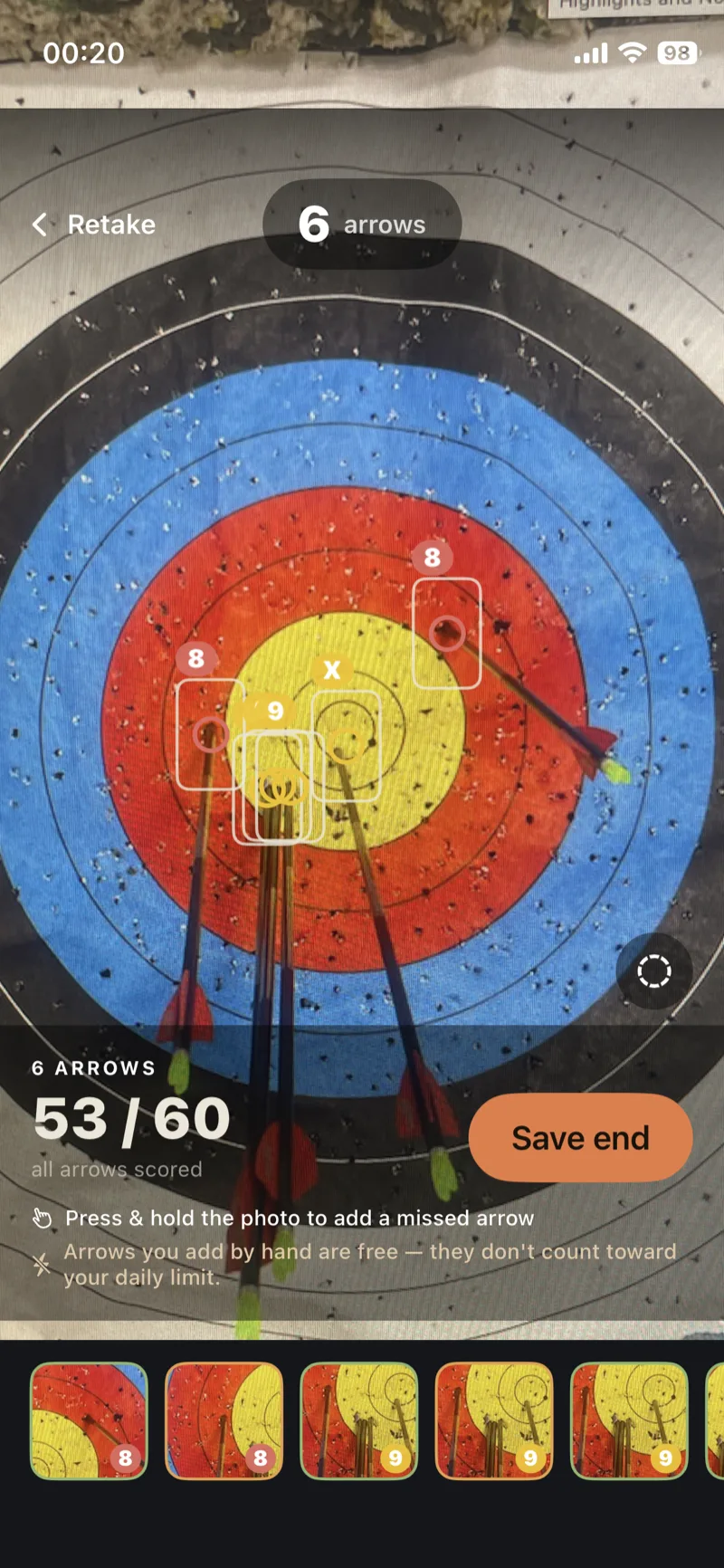
Detection you can trust — because you check it.
The model is good. You're better. Review the captured frame one arrow at a time: delete a false hit on an old nock hole, add a shaft the cluster hid, drag an impact a few rings, or override the score outright.
Camera scoring, on the house — every day you shoot.
No paywall to get started. Every day you get 36 free camera arrows — about six ends — scored by the camera, fixed by you, saved like any other. Spend them, and scoring drops cleanly back to manual tap-to-plot for the rest of the session. The count resets at midnight.
Go unlimited any time with a subscription — camera scoring with no daily cap, plus the signature heatmap.
Rather not pull out your phone mid-end?
The Apple Watch still has the line. A microphone hears each release and ticks your count up automatically — no buttons, no clicker. Shoot the round, then walk down and let the camera score the whole face at once.
Built for the way you actually practice.
Camera scoring
Point at the face, AI detects and scores every arrow, you confirm. Free every day — go unlimited with a subscription.
The watch counts
A microphone on Apple Watch hears every release and ticks the count up — round by round, hands free.
Heart rate & hold
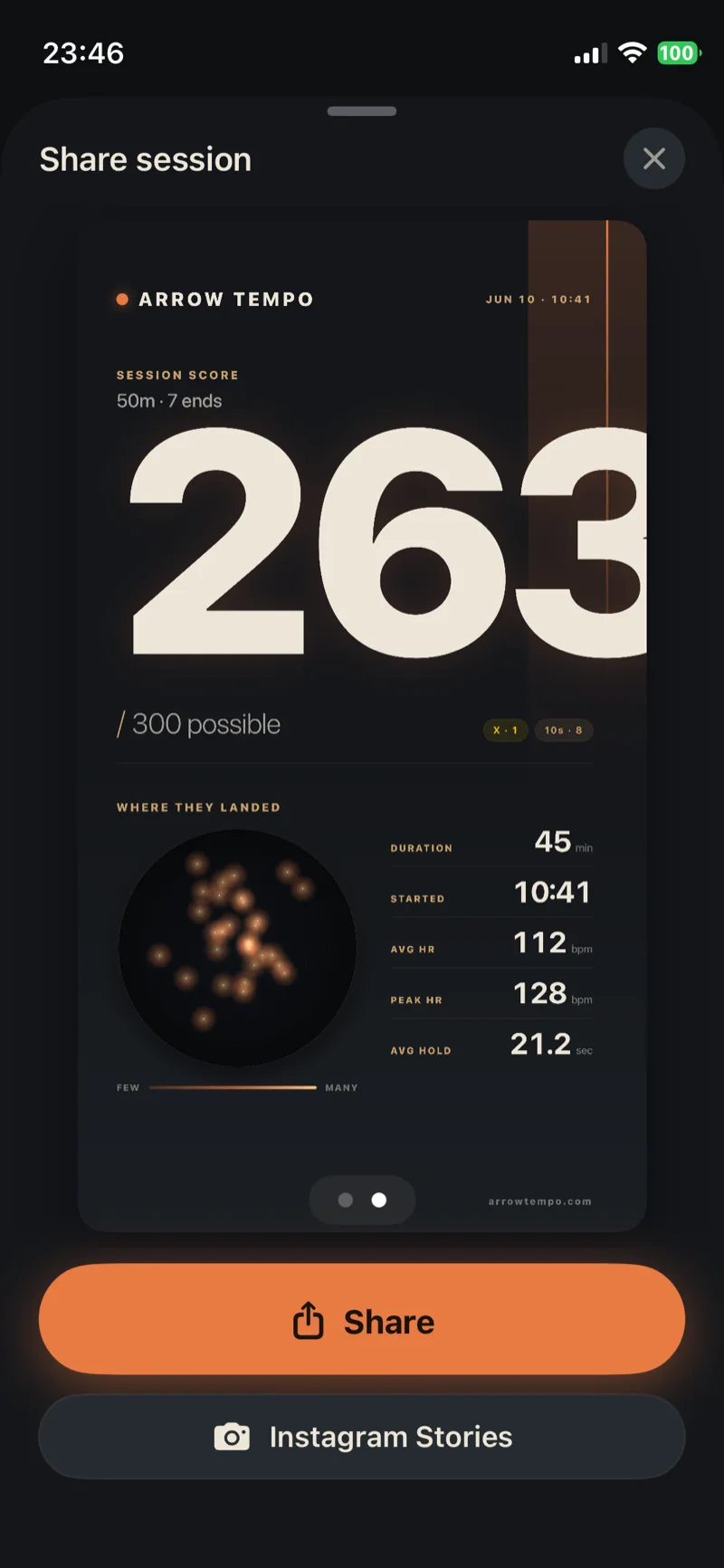
Every arrow is timestamped with HR and draw hold. Link a camera score to a shot to bring the pairing back.
Drag-to-place too
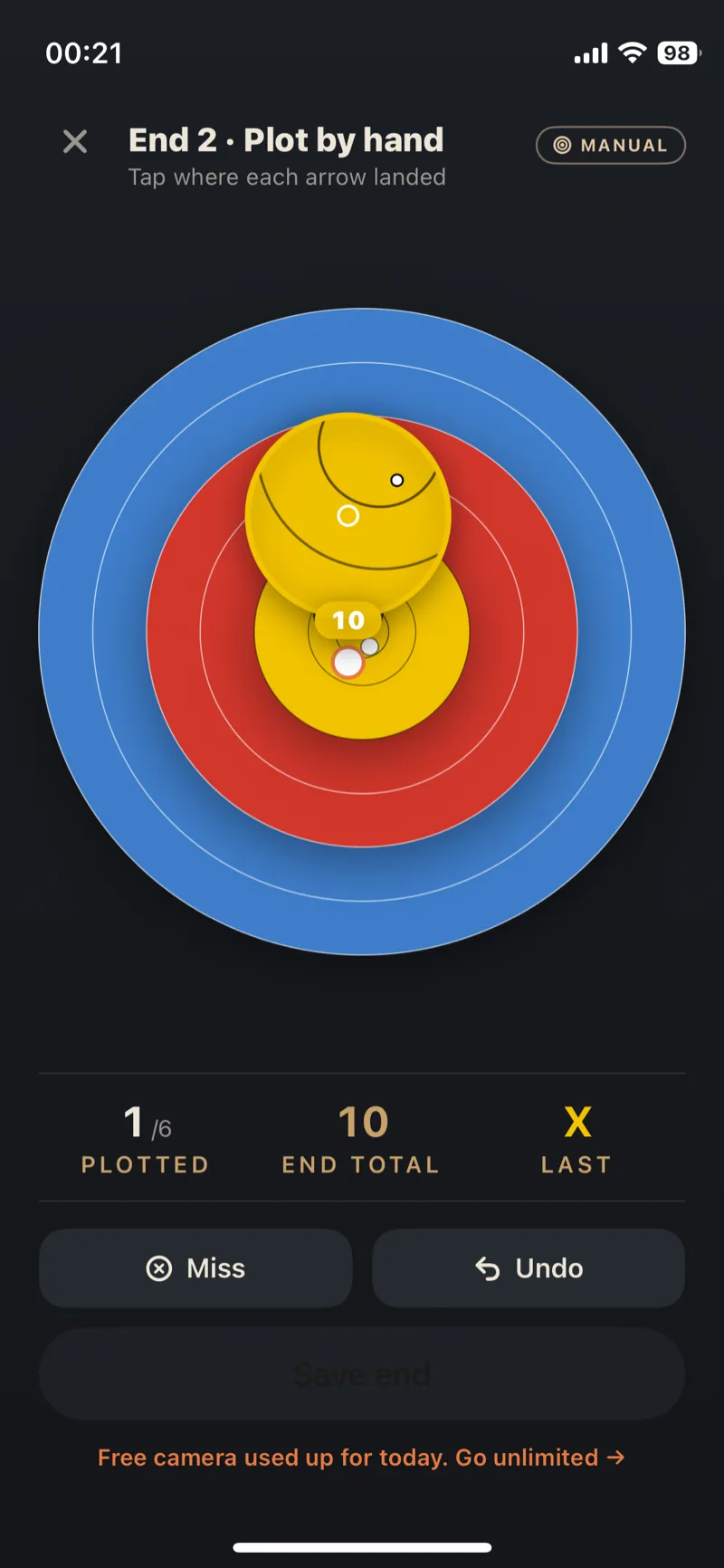
Prefer to tap it yourself — or out of free camera arrows? Hold a shot row, drop the target, drag to where it landed.
Signature heatmap
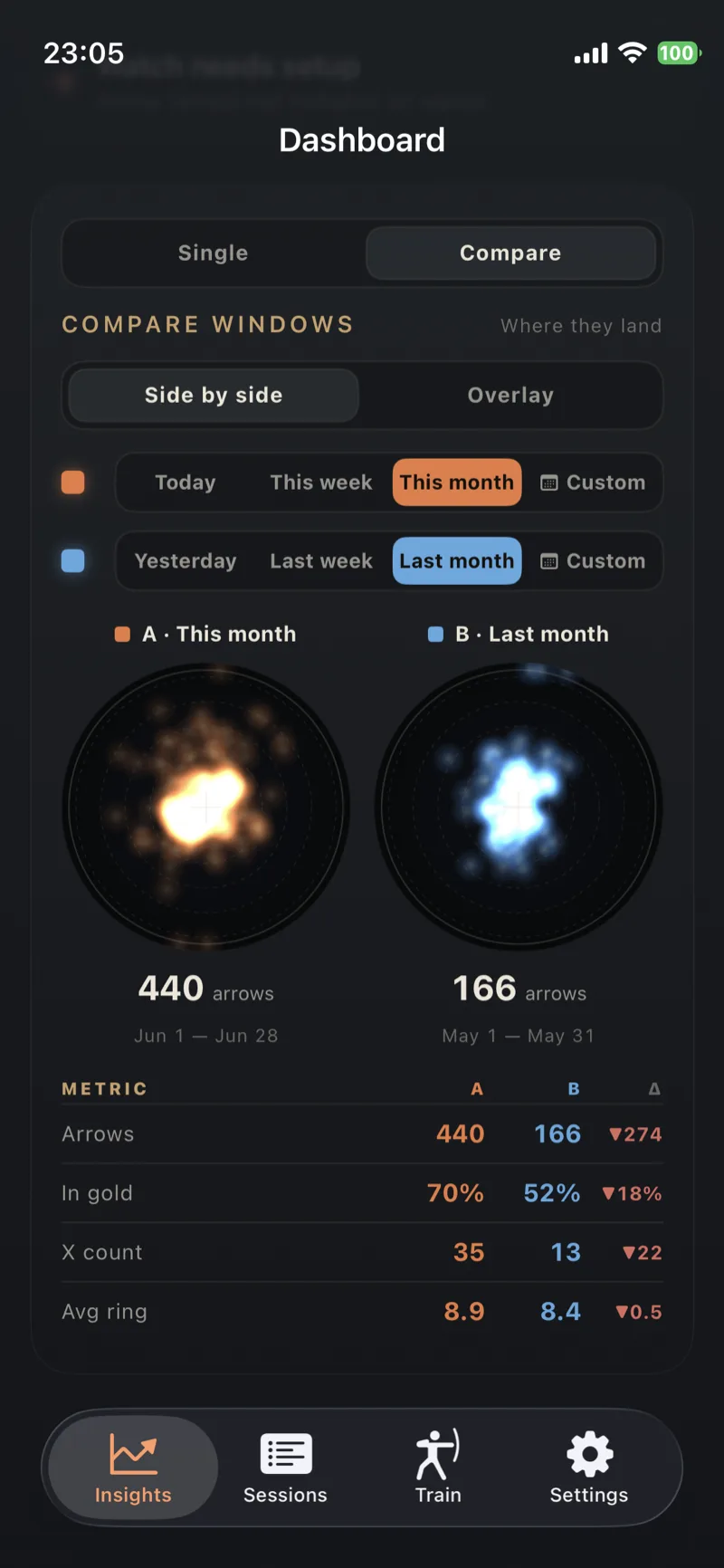
Every scored arrow blends onto one target over weeks. Drift becomes obvious — so does progress.
Session history
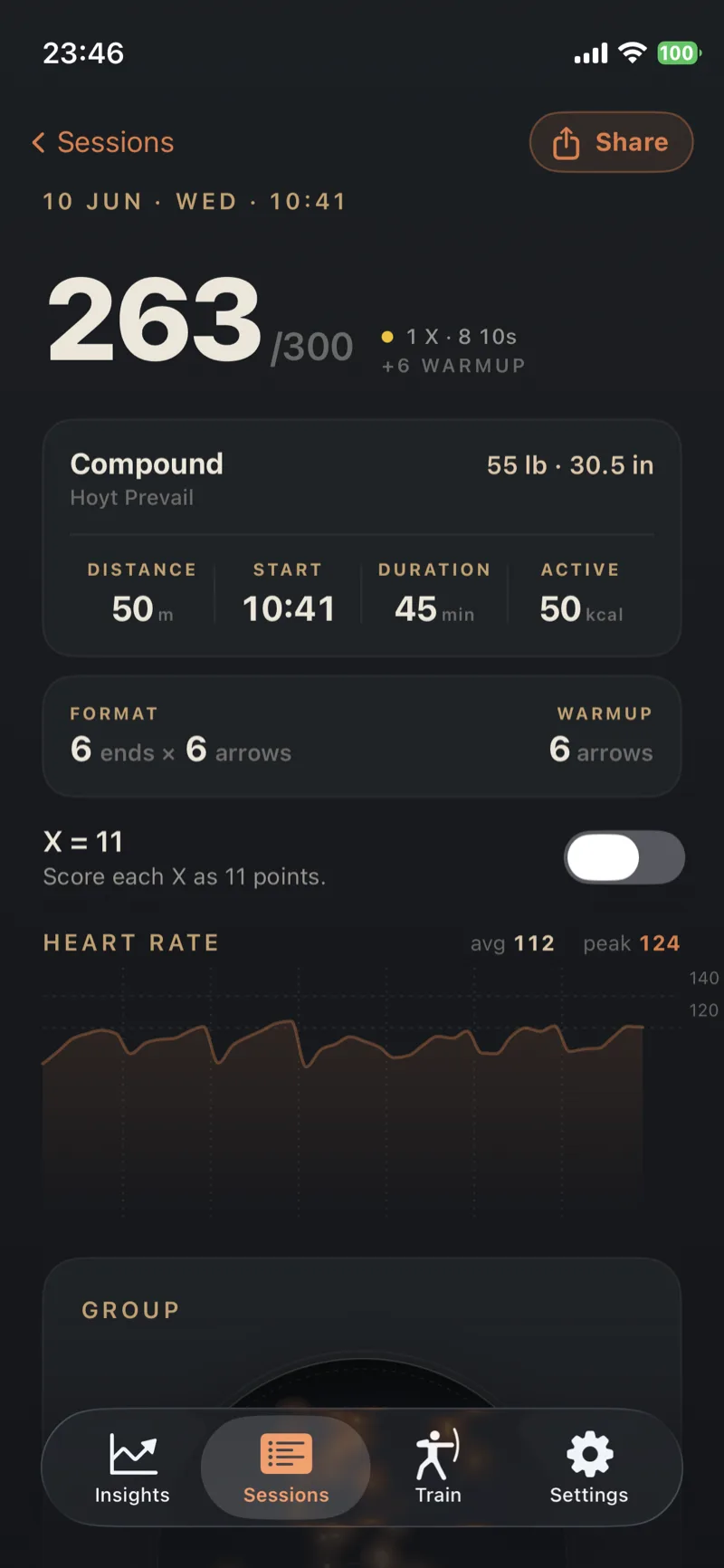
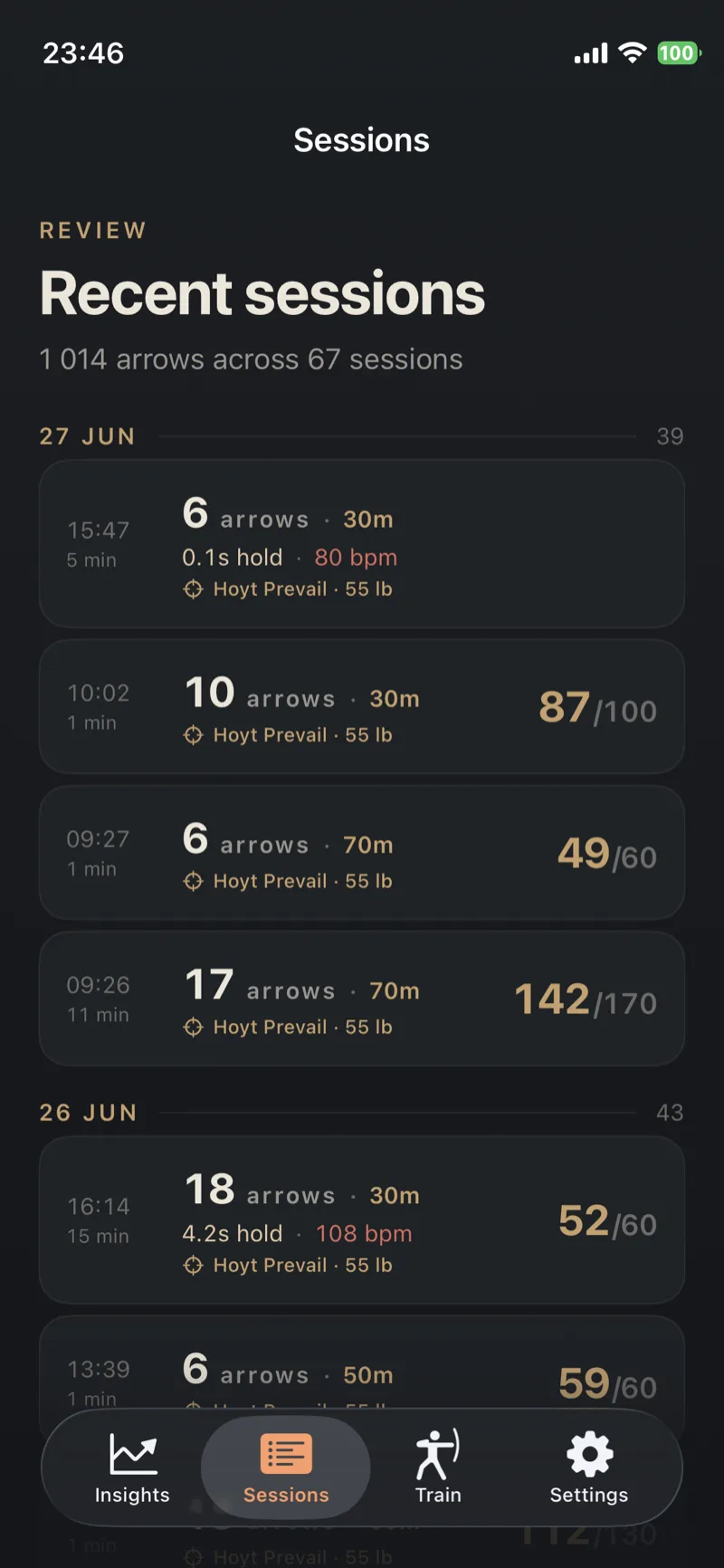
Every session with score, X-count and warmup tags — your last 30 days free, the full archive on Premium. Tap any row for the breakdown.
See your group before you change it.
Every arrow you score — by camera or by hand — heat-blends onto your target over weeks. Put two windows side by side and the patterns you'd never notice arrow-by-arrow become impossible to miss.
Pay once. Premium forever.
Unlimited camera arrows, the signature heatmap and your full archive — one purchase, no subscription, on every device you use.
Point, detect, score — one rhythm.
Before you head to the line.
Is camera scoring really free?
How accurate is the camera scoring?
What happens when I run out of free camera arrows?
The watch and the camera — how do they fit together?
Do I have to use the camera?
Which target faces does it work with?
Does my target photo get uploaded?
Which phone and watch do I need?
Does my practice data sync, and is it kept?
Your next end scores itself.
Free to download, with 36 free camera arrows every day. Go unlimited and unlock the signature heatmap with a subscription.